
Building Information Modeling (BIM) continues to revolutionize the construction industry by offering advanced digital representations of physical and functional building aspects. In 2025, BIM software is more than a trend; it’s a cornerstone for enhancing collaboration, precision, and efficiency across all project phases. This comprehensive guide highlights ten essential BIM tools and top BIM software solutions widely adopted by architects, engineers, and contractors today, detailing their key features and practical applications for modern construction projects.
BIM Tools-Autodesk Revit
As a premier BIM tools, Autodesk Revit remains an industry leader, supporting multi-disciplinary design processes and enabling architects, structural engineers, and MEP engineers to collaborate seamlessly on building projects. Its robust capabilities make it a top choice for comprehensive Building Information Modeling.
Key Features of Autodesk Revit:
- Parametric 3D modeling
- Worksharing capabilities for BIM collaboration
- Advanced 3D visualization
- Detailed scheduling and quantity takeoff for construction management
Use Cases for Revit:
- Architectural design and documentation
- Structural engineering analysis and detailing
- MEP (Mechanical, Electrical, and Plumbing) engineering design and coordination
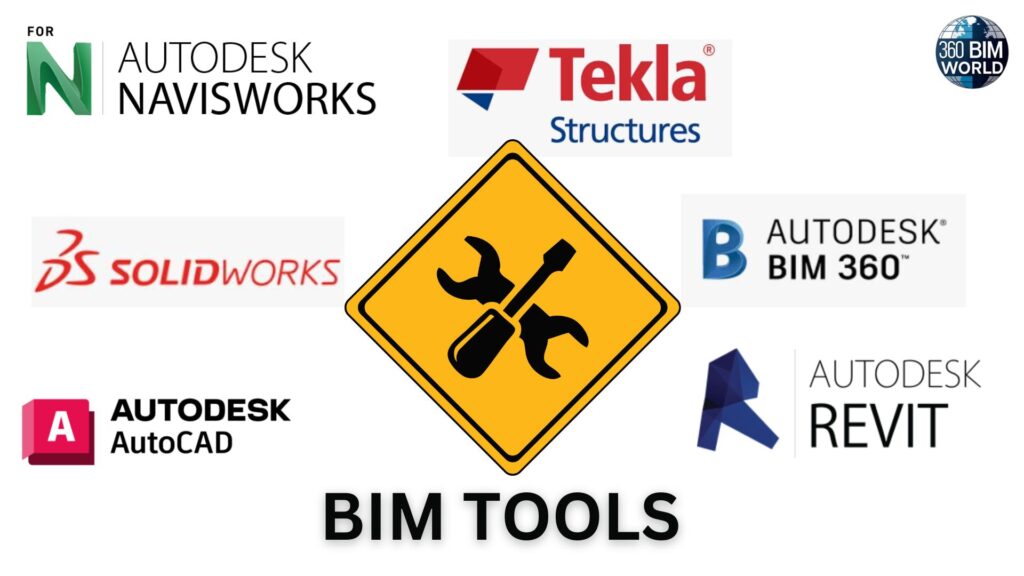
BIM Tools-ArchiCAD
ArchiCAD by Graphisoft is celebrated for its intuitive interface and robust BIM capabilities, making it a top choice among architects and designers seeking efficient BIM solutions.
Key Features of ArchiCAD:
- Comprehensive architectural design and documentation
- Integrated rendering for visualization
- BIMx mobile access for on-site review
- Powerful BIM collaboration tools
Use Cases for ArchiCAD:
- Residential and commercial building design
- Integrated project delivery workflows
BIM Tools-Navisworks
Navisworks by Autodesk is an essential BIM tool for project review, coordination, and accurate clash detection, ensuring all construction project components integrate perfectly. This powerful BIM software is crucial for risk management and effective construction coordination.
Key Features of Navisworks:
- Model aggregation from various BIM software
- Advanced clash detection and interference checking
- 4D and 5D simulation for project scheduling and cost analysis
- Quantification for accurate material takeoffs
Use Cases for Navisworks:
- Construction coordination and visualization
- Project scheduling and simulation
- Risk management and issue resolution in BIM workflows
BIM Tools-Bentley Systems
Bentley Systems offers a comprehensive suite of BIM applications, including AECOsim Building Designer and OpenBuildings Designer, specifically tailored for complex infrastructure projects and large-scale BIM implementation.
Key Features of Bentley Systems BIM Software:
- Advanced 3D modeling tools for complex structures
- High interoperability with other AEC software
- Detailed documentation and reporting
- Analysis and simulation capabilities
Use Cases for Bentley Systems:
- Large-scale infrastructure projects (roads, bridges, utilities)
- Rail and transit systems design
- Industrial facilities engineering
BIM Tools-Solibri
Solibri is a crucial quality assurance tool that ensures BIM model integrity and compliance with building regulations and standards, making it an essential part of the BIM workflow.
Key Features of Solibri:
- Automated model checking and validation
- Advanced clash detection
- Code compliance verification
- Accurate quantity takeoff capabilities
Use Cases for Solibri:
- BIM model quality control
- Regulatory compliance checks
- Risk mitigation in construction projects
BIM Tools-SolidWorks
While primarily known for its CAD capabilities, SolidWorks by Dassault Systèmes offers robust features and integration opportunities that enhance BIM workflows, particularly for designing and integrating building components with high precision.
Key Features of SolidWorks:
- Powerful 3D CAD modeling
- Simulation and analysis capabilities
- Detailed documentation and manufacturing drawings
- Potential for integration with BIM environments for component design
Use Cases for SolidWorks:
- Mechanical design of building systems
- Design of industrial equipment for facilities
- Development of specialized building components
Frequently Asked Questions (FAQs)
Q1. What is Building Information Modeling (BIM) and why is it important in 2025?
A: BIM is a digital process that creates intelligent 3D models of buildings and infrastructure. In 2025, it’s a critical part of construction workflows, helping teams collaborate better, reduce errors, and manage projects more efficiently from concept to completion.
Q2. Which industries use BIM software the most?
A: BIM is widely used in architecture, engineering, construction, and facility management. It’s especially useful for large-scale infrastructure, residential and commercial buildings, and industrial facilities.
Q3. How does Autodesk Revit support BIM workflows?
A: Revit enables real-time collaboration among architects, structural and MEP engineers. It supports parametric 3D modeling, detailed documentation, scheduling, and visualization—all within one platform.
Q4. What makes ArchiCAD different from Revit?
A: ArchiCAD is known for its user-friendly interface and strong visualization tools. It’s particularly popular among architects for early design phases, while Revit is often used in more complex multi-disciplinary projects.
Q5. Why is Navisworks critical for construction teams?
A: Navisworks is used to detect clashes between building systems before construction begins. It aggregates models from different software, supports 4D (time) and 5D (cost) simulation, and helps avoid costly errors on-site.
Q6. When should Bentley Systems tools be used instead of others?
A: Bentley tools are ideal for large infrastructure projects like bridges, roads, and transit systems. Their strong interoperability and simulation features are built for civil and industrial engineering.
Q7. How does Solibri improve BIM model quality?
A: Solibri runs automated checks to ensure models meet code compliance and quality standards. It helps spot design errors early, reducing risks and rework during construction.
Q8. Can SolidWorks be used in BIM projects?
A: Yes. While SolidWorks isn’t a full BIM platform, it’s useful for designing precise mechanical components or specialized equipment that can be integrated into BIM models.
Q9. Which BIM tool is best for beginners?
A: ArchiCAD is often praised for being beginner-friendly due to its clean interface and helpful visualization tools. Revit, though more complex, has extensive tutorials and community support.
Q10. Is BIM just for design, or does it help during construction too?
A: BIM supports every project phase—from design and documentation to construction and facility management. Tools like Navisworks and Solibri are particularly useful during the construction stage for coordination and quality control.


Leave a Reply